★★★★★
“Bec has been the only masseuse who's actually resolved my overall muscle stress and tension — including chronic shoulder pain brought about from cosleeping with my son. Her home clinic is relaxing, and she really listens to what your body needs. Bec is my go-to and comes highly recommended.”
— Sam. S
★★★★★
“I have played indoor cricket for over 25 years. Had some great strappers in that time. As a player and now Qld coach I rate Rebecca as one of them. In 2025 she kept three Qld teams on the park over a week. Amazing effort and without her work, we may not have been national champions. Highly recommend.”
— Sid
★★★★★
“You've boosted the whole morale of the place. Everyone's happier and feeling appreciated.”
— Corporate Client, Brisbane
★★★★★
“I've had sports massage from a lot of people over the years. Bec is genuinely in a different league.”
— Elite Athlete, Brisbane
★★★★★
“I walked in tense and completely stressed. I left feeling like a completely different person.”
— Holistic Client, Brisbane
★★★★★
“The love that comes out of that room is just beautiful. We just love having you here.”
— Corporate Client, Brisbane
★★★★★
“My lower back had been giving me grief for months. One session with Bec and I walked out feeling like a new person.”
— Sports Client, Brisbane
★★★★★
“Bec is professional, warm and really listens. The whole team noticed a difference after the very first session.”
— Corporate Client, Sunshine Coast
★★★★★
“Bec has been the only masseuse who's actually resolved my overall muscle stress and tension — including chronic shoulder pain brought about from cosleeping with my son. Her home clinic is relaxing, and she really listens to what your body needs. Bec is my go-to and comes highly recommended.”
— Sam. S
★★★★★
“I have played indoor cricket for over 25 years. Had some great strappers in that time. As a player and now Qld coach I rate Rebecca as one of them. In 2025 she kept three Qld teams on the park over a week. Amazing effort and without her work, we may not have been national champions. Highly recommend.”
— Sid
★★★★★
“You've boosted the whole morale of the place. Everyone's happier and feeling appreciated.”
— Corporate Client, Brisbane
★★★★★
“I've had sports massage from a lot of people over the years. Bec is genuinely in a different league.”
— Elite Athlete, Brisbane
★★★★★
“I walked in tense and completely stressed. I left feeling like a completely different person.”
— Holistic Client, Brisbane
★★★★★
“The love that comes out of that room is just beautiful. We just love having you here.”
— Corporate Client, Brisbane
★★★★★
“My lower back had been giving me grief for months. One session with Bec and I walked out feeling like a new person.”
— Sports Client, Brisbane
★★★★★
“Bec is professional, warm and really listens. The whole team noticed a difference after the very first session.”
— Corporate Client, Sunshine Coast
Follow Along
See the work. Meet the people.
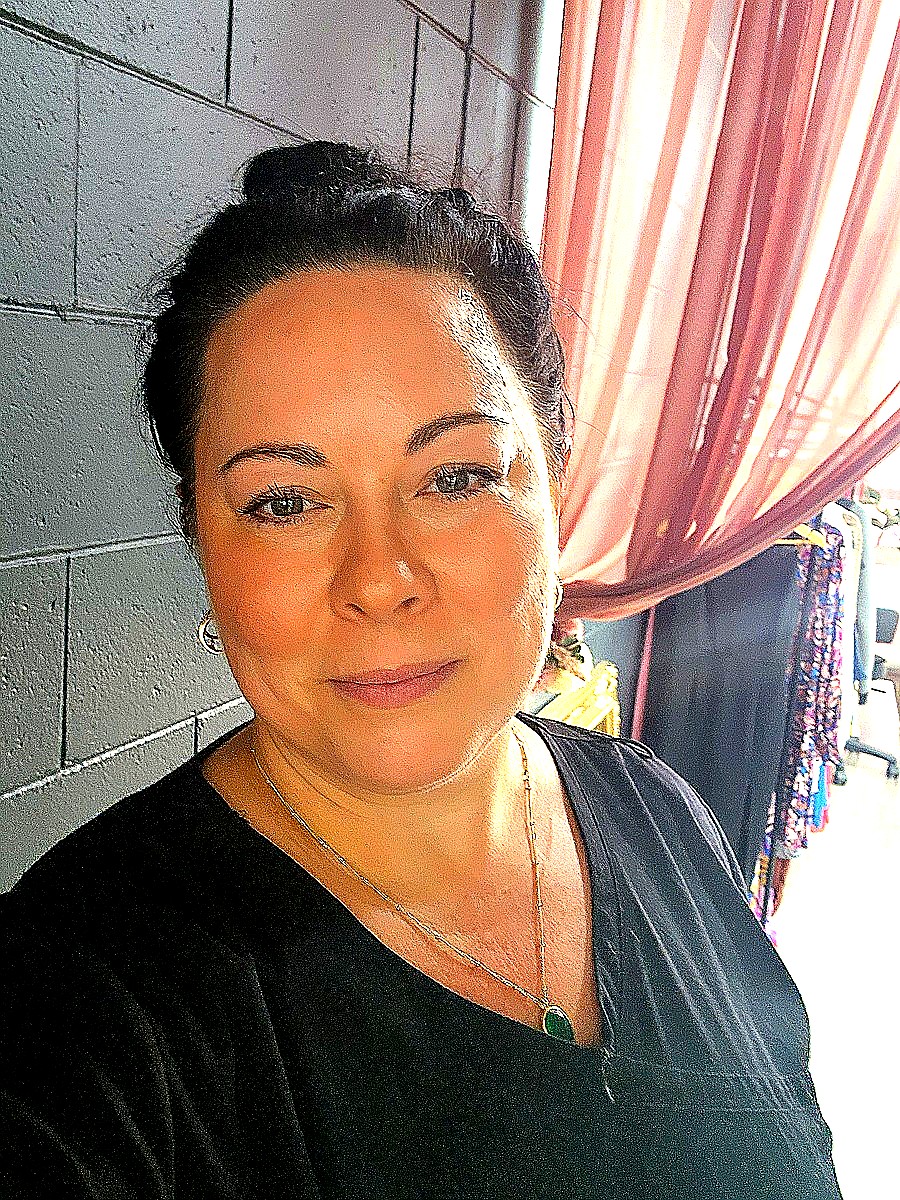
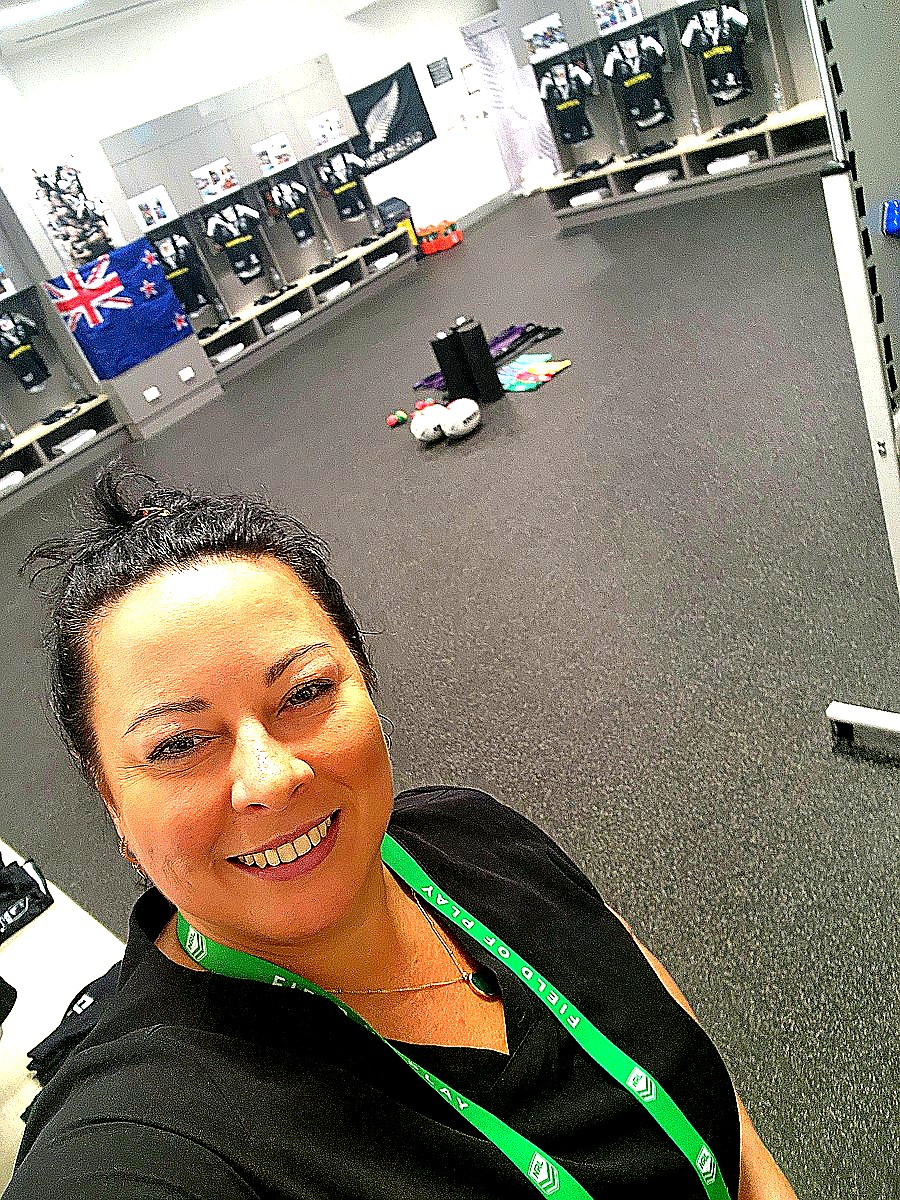
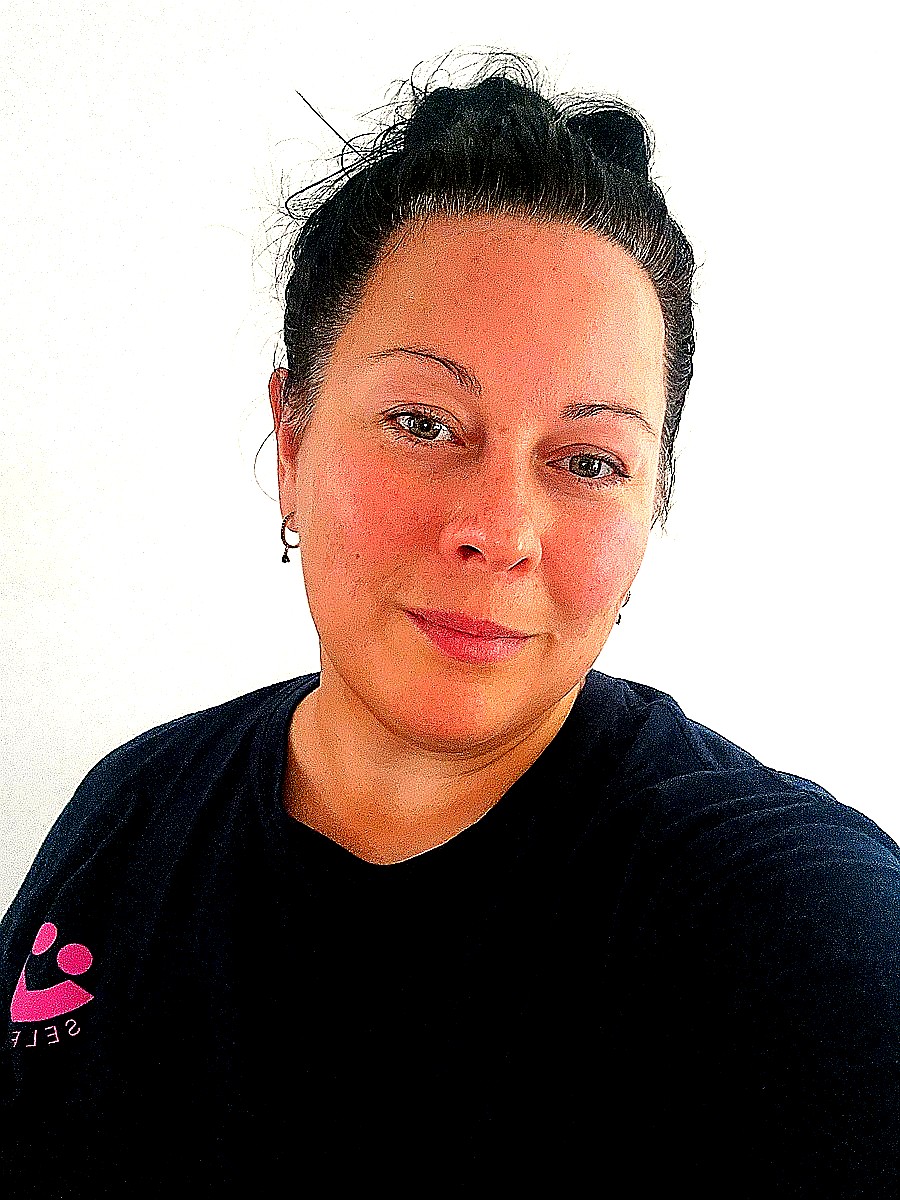
From elite sporting clubs to home clinic clients — Bec's Instagram shows the real story behind the work. Follow for availability, behind-the-scenes content and the occasional glimpse at game day.
📍 Brisbane · Available across Brisbane, Sunshine Coast and Gold Coast